On the App Store since 2010
Flash Reader is back, and better than ever.
It read you one word at a time years before that was a trend. Now we have rebuilt it from scratch, and everything happens on your device. No account, no servers of ours, nothing to sign up for.
Paste it, share it, open a PDF, EPUB or Word file, or point the camera at a page, and you're reading. Your streak and your place wait on the Lock Screen.
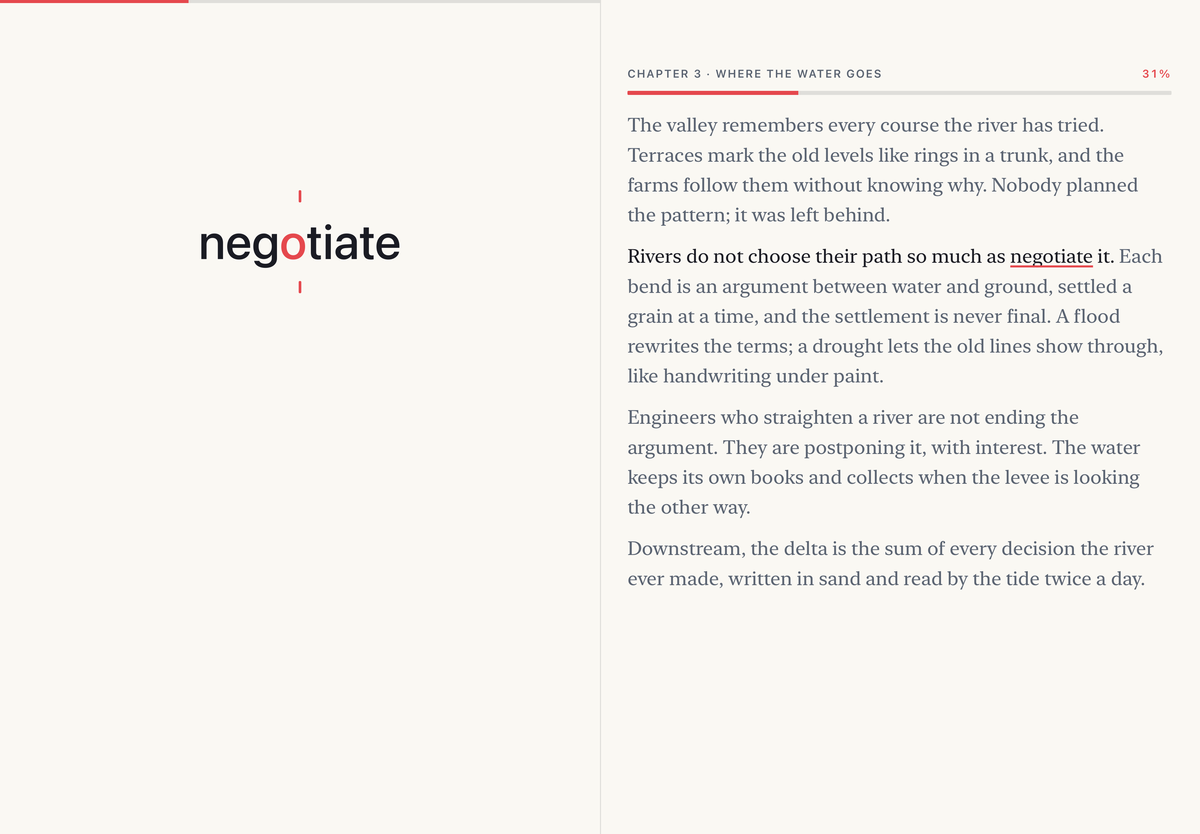
Designed for iPhone Duo. Open it and the page unfolds beside the words. Close it and carry on.
You are reading one word at a time. Your eyes have not moved since the first one. Every word lands in the same spot, and the red mark under the ticks gives them somewhere to rest.
On a page, your eyes do a lot of quiet work. They jump from word to word, land a little early or late, and slip back to check a line they already passed. Here, the words do the moving. You just read.
Notice the small pauses. A comma holds a word a beat longer, and a full stop longer still. A new paragraph leaves the stage empty for a breath. Little words like "the" and "of" pass quickly, because you hardly need to see them.
Feels slow? Try 350 below. Feels fast? Tap, and the words wait for you.
This is Flash Reader. It has read like this since 2010, and now it is back, better than ever. Paste anything, share anything, point the camera at a page, and let your eyes rest here while the words come to them.
It shipped.
Download Flash Reader on the App Store
For iPhone, iPad and iPhone Duo. iOS 26 or later.
Three ways to read.
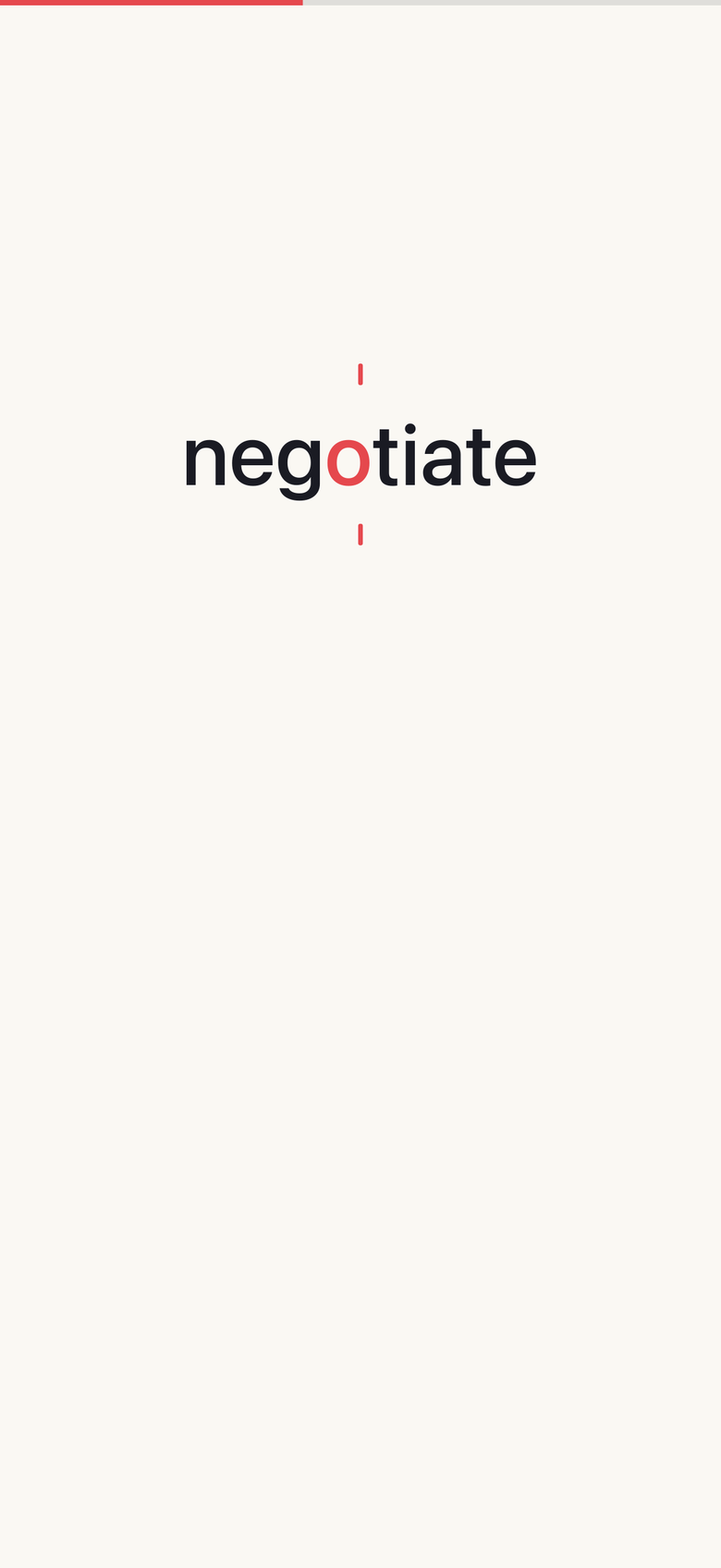
Flash
One word, one spot, and the pages fly.
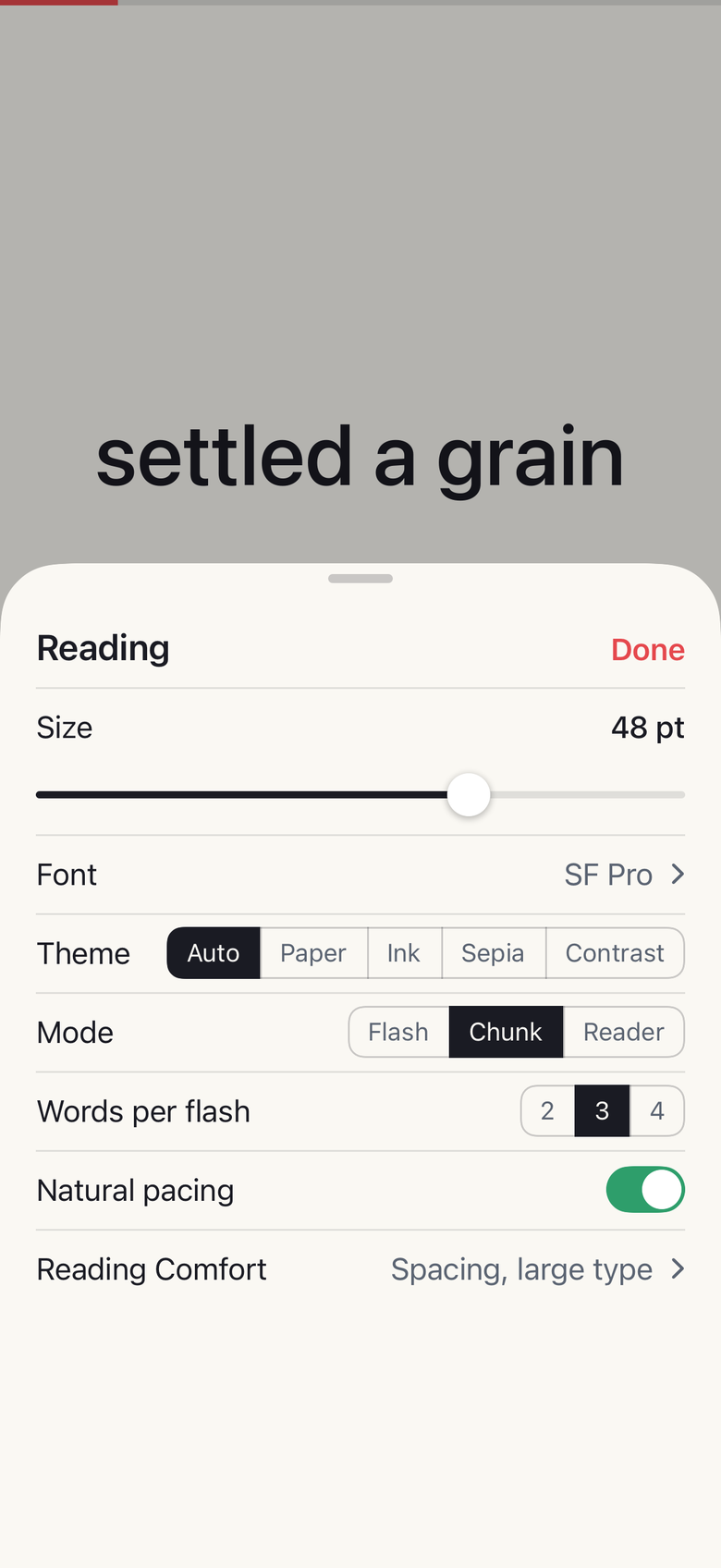
Chunk
A few words at a time, for when you would rather stroll.
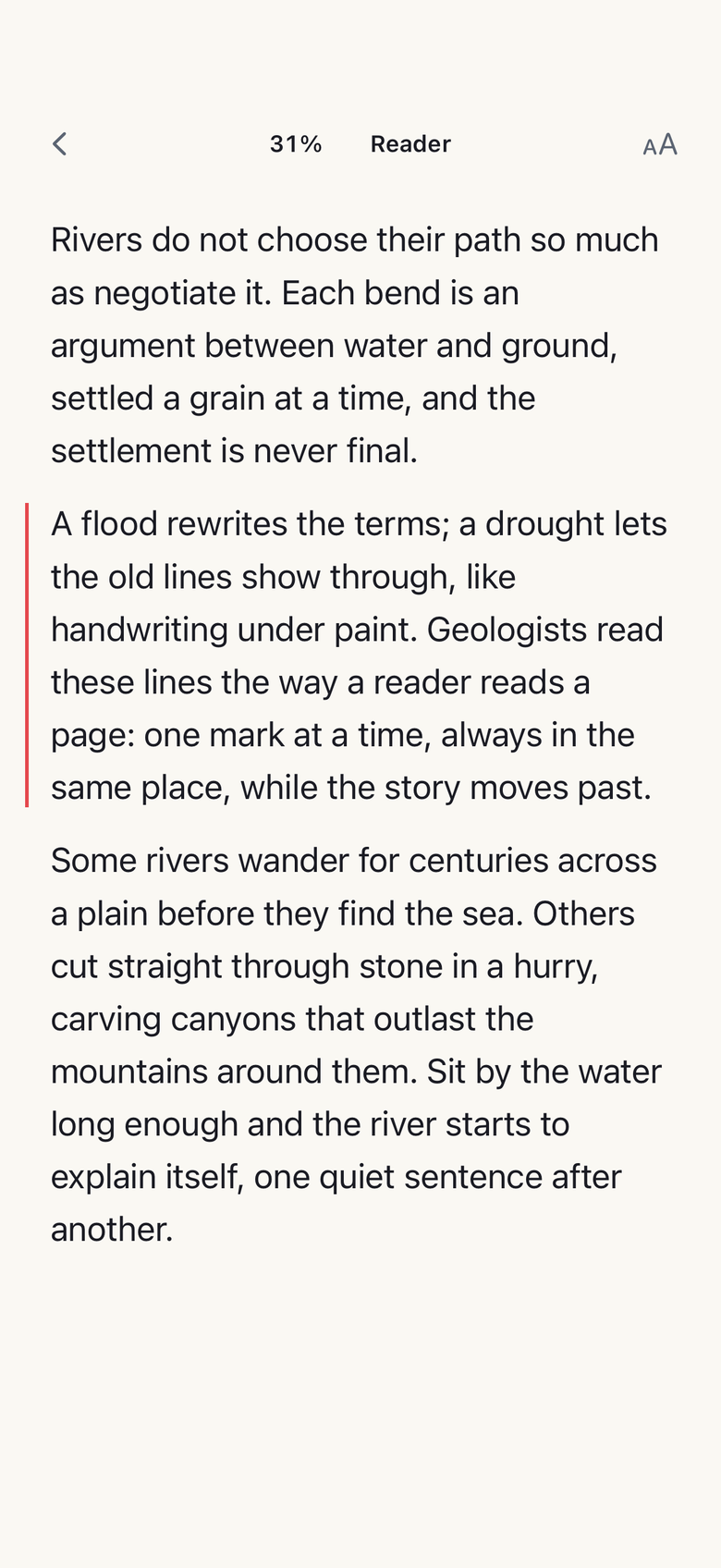
Reader
The whole text, for a look back.
Tap to pause. Play picks the sentence back up, so you never lose the thread.
Speed, with receipts.
Plenty of apps promise a thousand words a minute. We would rather you remember what you read. Flash Reader starts you at 250, shows the zone you are in, and counts your pauses in your real speed. Go faster whenever you like. The ruler tells you what it costs.
Read anything. Start anywhere.
- Copy anything, anywhere. One tap in Control Center and it flashes.
- Share it from any app: articles, mail, messages, notes.
- Open a PDF, EPUB or Word file, or point the camera at a page. A photo of one works too.
- Drop in a link and get the article, with none of the clutter around it.
- Say "Flash my clipboard" or "Resume reading" and Siri does the rest. Nothing to set up.
- Every document keeps your place, and the Continue Reading widget takes you straight back.
- TXTPlain text.Free
- MDMarkdown.Free
- PDFText and scanned pages.Pro
- DOCXWord documents.Pro
- RTFRich text.Pro
- HTMLSaved web pages.Pro
- EPUBBooks.Pro
- SCANCamera, photos, screenshots.Pro
- MACFlash Reader for Mac.Free update
Stats, streaks and widgets.
Words read today, a streak worth keeping, and your real speed, pauses and all. Continue Reading and Streak widgets for the Home and Lock Screens. Flash clipboard and Resume reading in Control Center, and on the Action button if you like.
iPhone, iPad and iPhone Duo.
iPhone for the stolen minutes. iPad for the long sit, with the library beside the reading view and a keyboard that drives both. iPhone Duo, designed for from the start: open it and the page unfolds beside the words.
One purchase covers iPhone and iPad. The whole app speaks 50 languages.
With Pro, your library and your place in every document travel between your devices through your own iCloud.
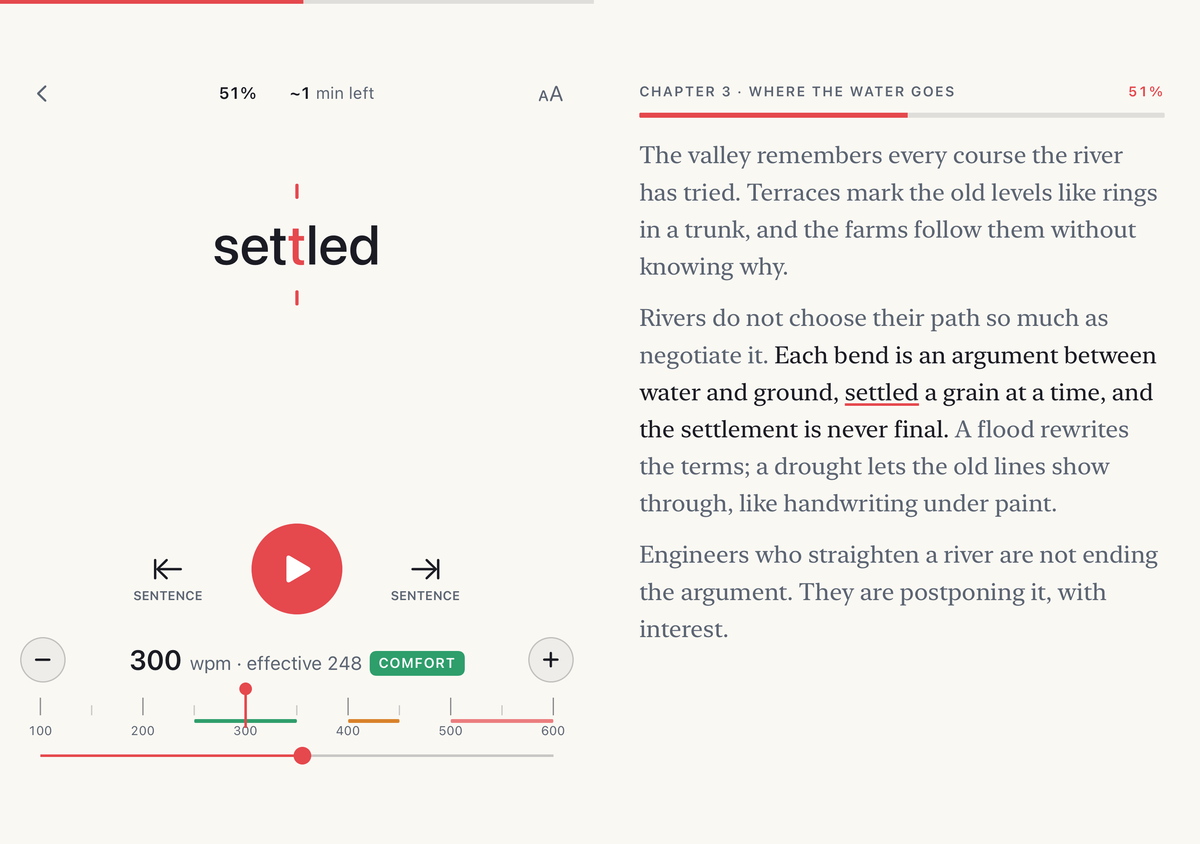


Everything happens on your device.
No account, no sign in, no servers of ours. Imports, scans and stats all happen on the device in your hand, and nothing you read is sent to us. There is nothing in the app that watches you.
With Pro, your library travels between your devices through your own iCloud. We never see it.
Free to start. Pro when you need it.
Download Flash Reader on the App Store
Free
Everything you paste, copy or share reads free, forever, at full quality: every mode, every speed, every theme, links, TXT and Markdown files, and three documents on the shelf at a time.
Pro
PDF, EPUB, Word, RTF and HTML files, scans and photos, an unlimited shelf, iCloud sync between your devices, and every format that ships later.
- By the year 14 days free, then yearly. $29.99 in the US, local price in your store.
- Pay once. It's yours. $79.99 in the US, local price in your store.
- By the month $4.99 in the US, local price in your store.
No account. No ads. No weekly plans. Annual and monthly Pro renew until cancelled in your Apple Account settings.
Bought Pro inside Flash Reader back in the day? It still counts. Restore purchases brings it back on any device, forever.
Bought the app itself in the paid years, before 2015? Flash Reader 4 recognises that on first launch and offers Pro Lifetime at a returning price.
Questions.
Does speed reading actually work?
Up to a point, and we will tell you where the point is. One word at a fixed spot feels dramatically faster and helps you focus. Understanding holds to about 350 words a minute and drops past 500. Flash Reader shows the zone you are in and a speed that counts your pauses. The studies are on the method page.
What happened to the old Flash Reader?
It went quiet after 2019. In 2026 we rebuilt it from scratch, and this time everything happens on your device, with no server to lean on.
I bought Pro years ago. Do I pay again?
No. If your Apple Account ever bought Pro inside Flash Reader, Pro is yours in version 4, free, forever: tap Restore purchases in Settings and it comes back on any device. Bought the app itself before 2015? Flash Reader 4 spots that on first launch and offers Pro Lifetime at a returning price. Bought the separate Flash Reader Pro app? Write to us and we will sort it out.
What can I import?
Anything you paste, copy or share, articles by their link, TXT, Markdown, PDF, EPUB, Word, RTF and saved web pages, and any page you scan with the camera, photograph or screenshot.
Does it work offline?
Yes. Reading, importing files, scanning and your stats need no connection. Importing a link fetches that page, so it needs one. iCloud sync catches up when you are back online.
What does it cost?
Text you paste, copy or share reads free, forever. Pro opens PDF, EPUB, Word, RTF and HTML files, scans and photos, and an unlimited shelf, by the year with 14 days free, by the month, or once. In the US that is $29.99 a year, $4.99 a month or $79.99 once; your store shows the local price.
Which devices?
iPhone, iPad and iPhone Duo, on iOS 26 or later. One purchase covers iPhone and iPad. On an older iPhone or iPad, the App Store keeps offering the last version that runs there.
Can it help with ADHD or dyslexia?
A 2025 study found that young adults with ADHD understood more reading one word at a time than from a page, while readers without ADHD did slightly worse. Flash Reader is built with that reader in mind. For dyslexia the evidence is thinner, so we make no claim; the app offers a choice of fonts, OpenDyslexic among them, and an adjustable word size. The studies are on the method page.
Is there a Mac version?
Not yet. Mac follows as a free update, covered by the same purchase. Until then, a file saved to iCloud Drive on the Mac opens in Flash Reader from the Files app on your iPhone or iPad.